For MSPs and 3CX providers

Run Your Customer Fleet From One Workspace

Keep customer PBXs organised without a browser tab per system. Review fleet health, open the affected instance and carry out the management tasks SYNOP•SYS supports, from the same console your whole team uses.

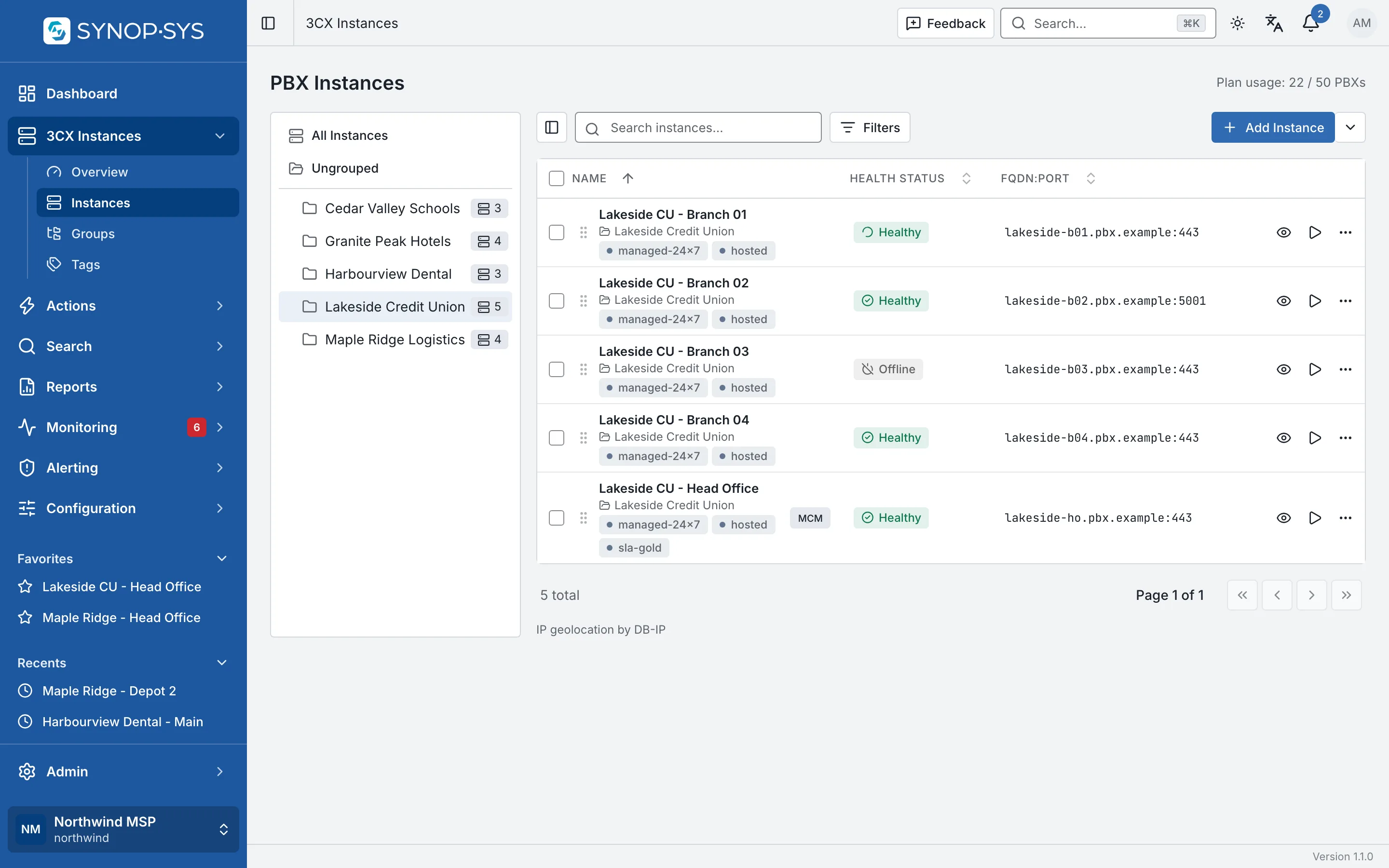
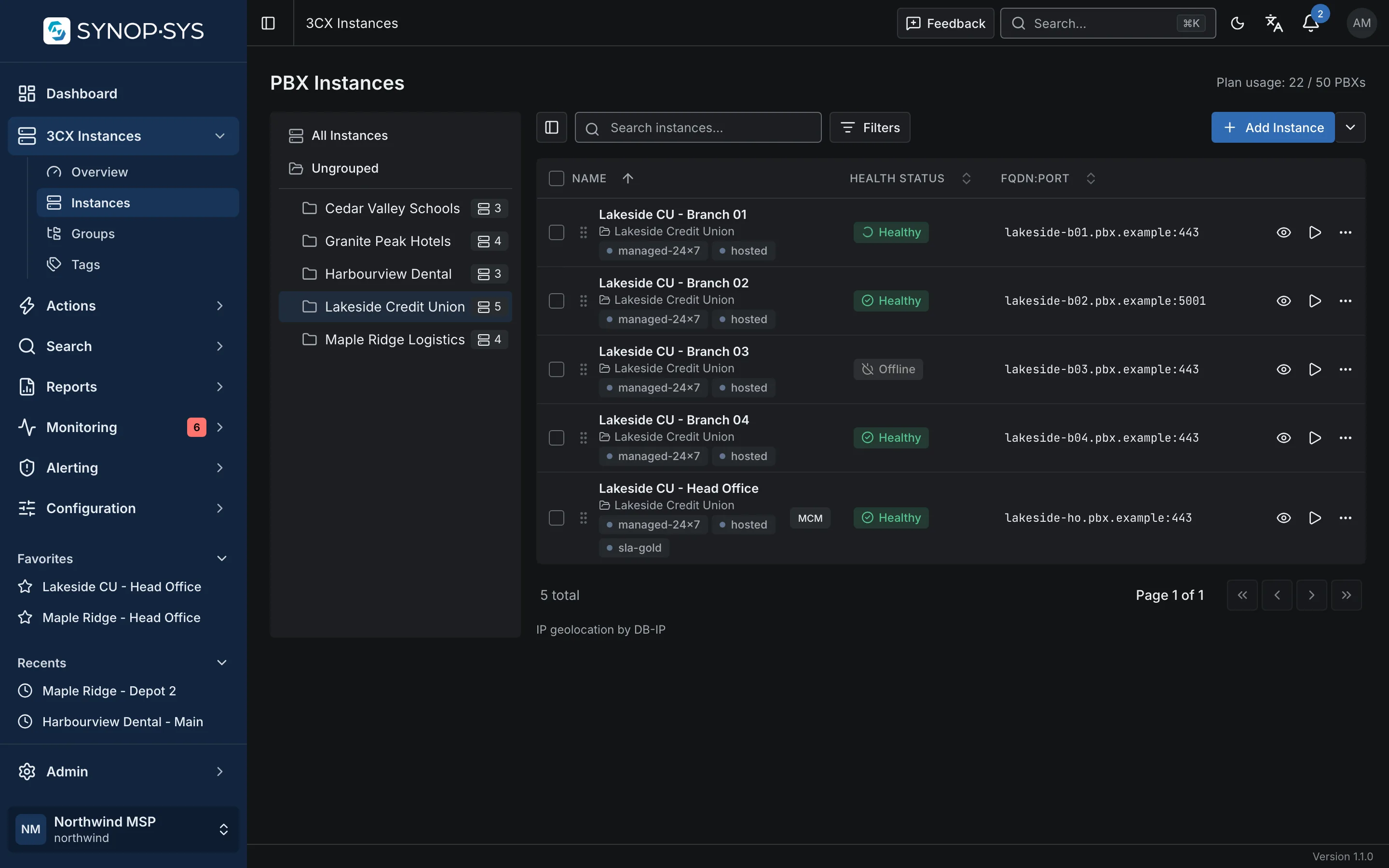
Instances grouped by customer: the Lakeside Credit Union group selected, with tags and health per PBX. Instances grouped by customer: the Lakeside Credit Union group selected, with tags and health per PBX.
Instances grouped by customer: the Lakeside Credit Union group selected, with tags and health per PBX.Open full imageOpen full image

Repeatable work

Make Recurring Customer Work Repeatable

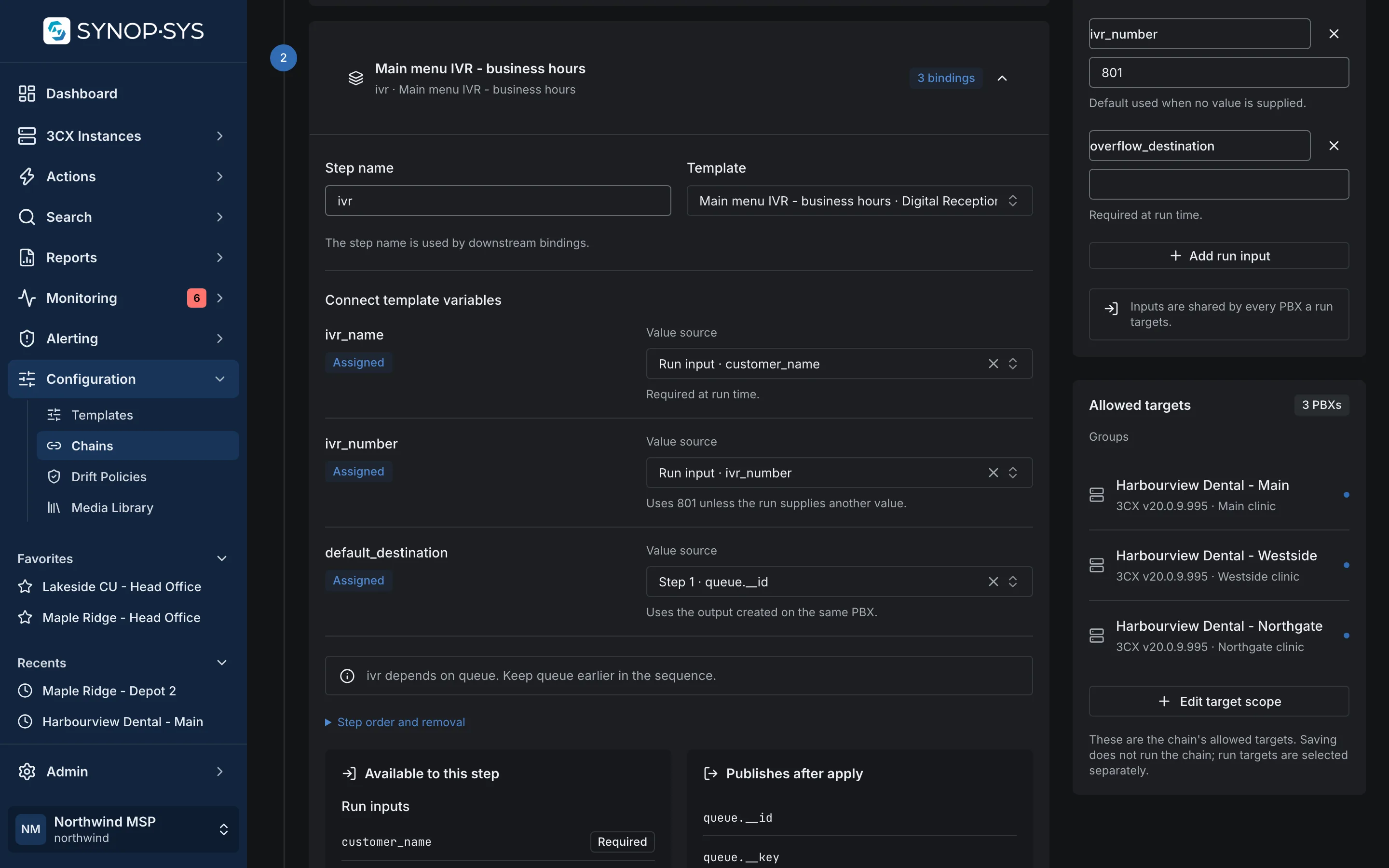
Use configuration templates for settings you want to reuse and template chains for changes that depend on an earlier step, such as an IVR that must point at a queue created just before it. Apply them to selected instances, groups or tags, then inspect what happened on each PBX.

  • Variables for the values that change per customer
  • Chains carry outputs from one step into the next, per PBX
  • Per-instance results; a failure on one target does not undo the others
See templates and chains

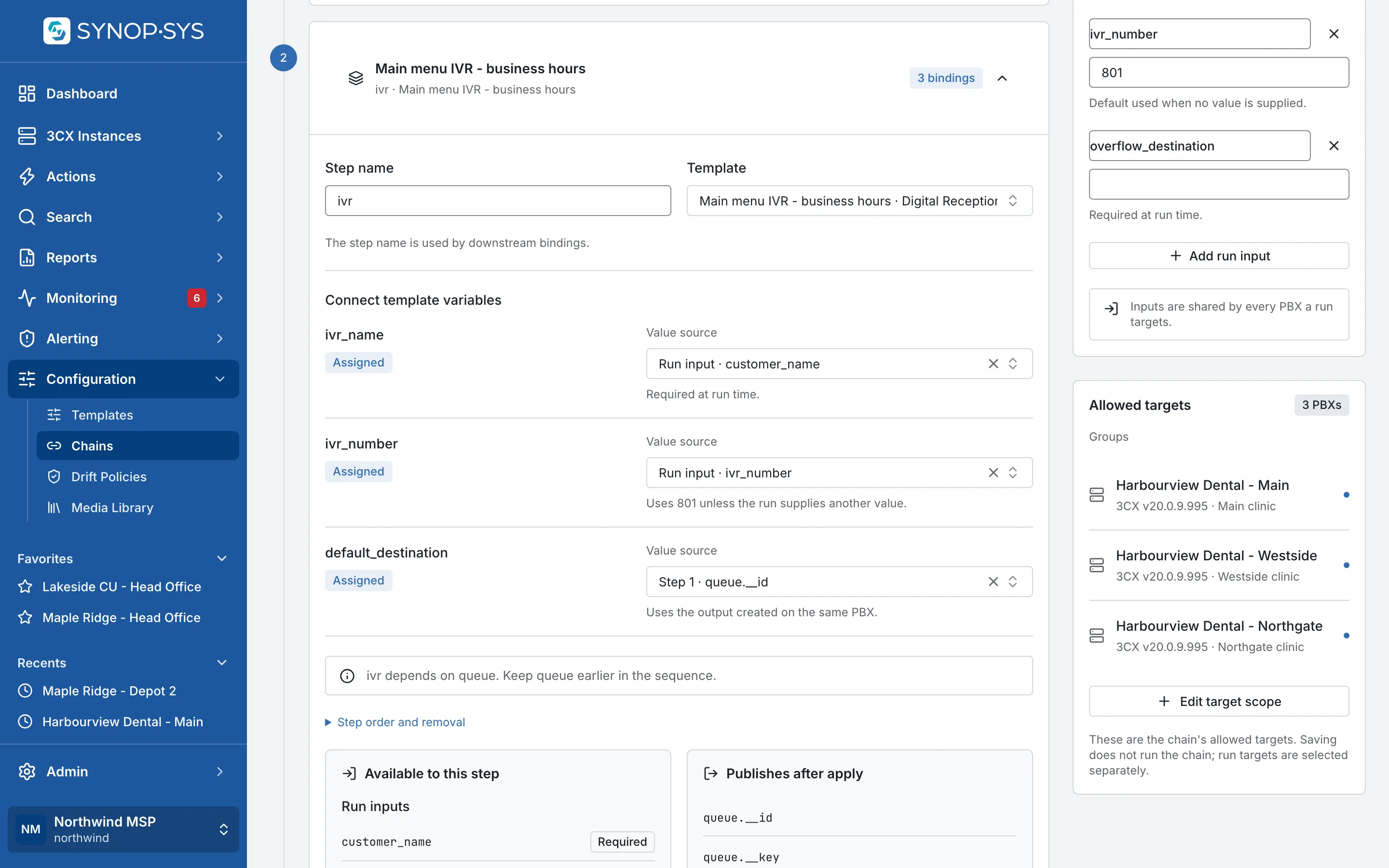
A two-step chain: the IVR step binds its default destination to the queue created by step one. A two-step chain: the IVR step binds its default destination to the queue created by step one.
A two-step chain: the IVR step binds its default destination to the queue created by step one.Open full imageOpen full image

Technician access

Give Each Technician the Right Reach

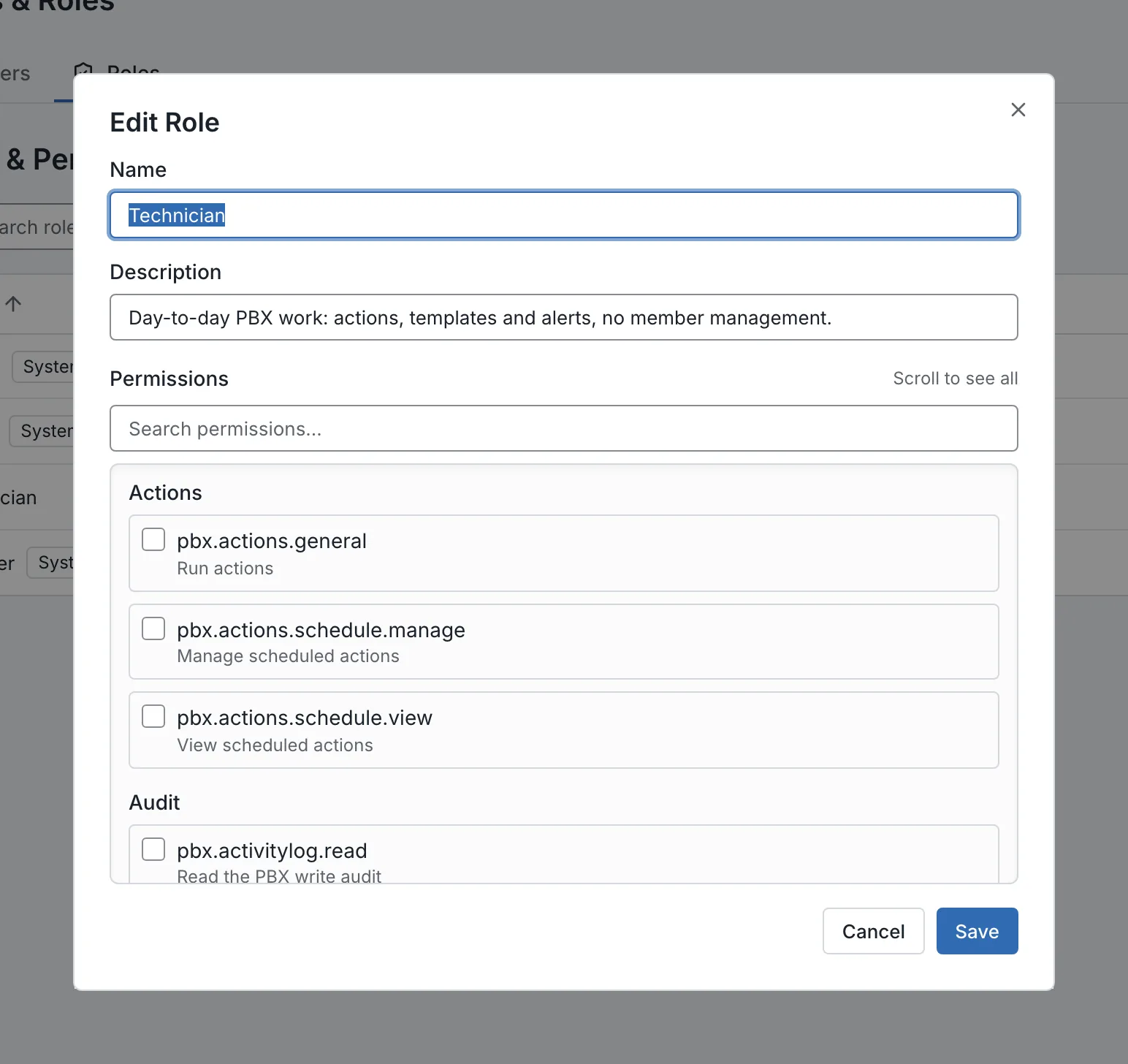
Roles define what a technician can do; group and tag scopes define which PBXs they can reach. Assign the customer systems they support without opening the whole fleet to every team member.

  • Roles grant permissions for operations
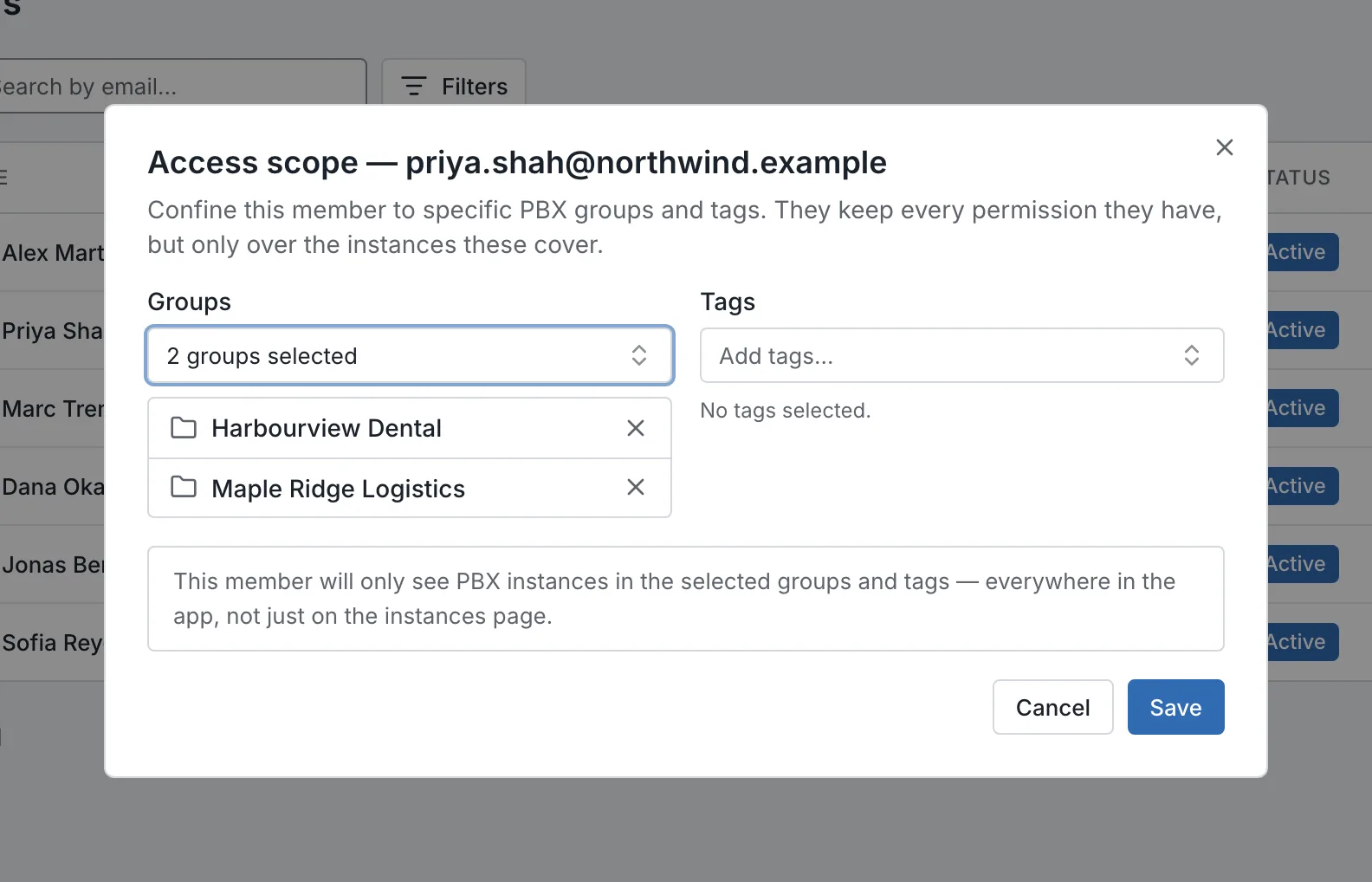
  • Access scope confines a member to groups and tags, everywhere in the app
  • No scope means unrestricted, and a confined admin cannot hand out more reach than they have

Explore access controls

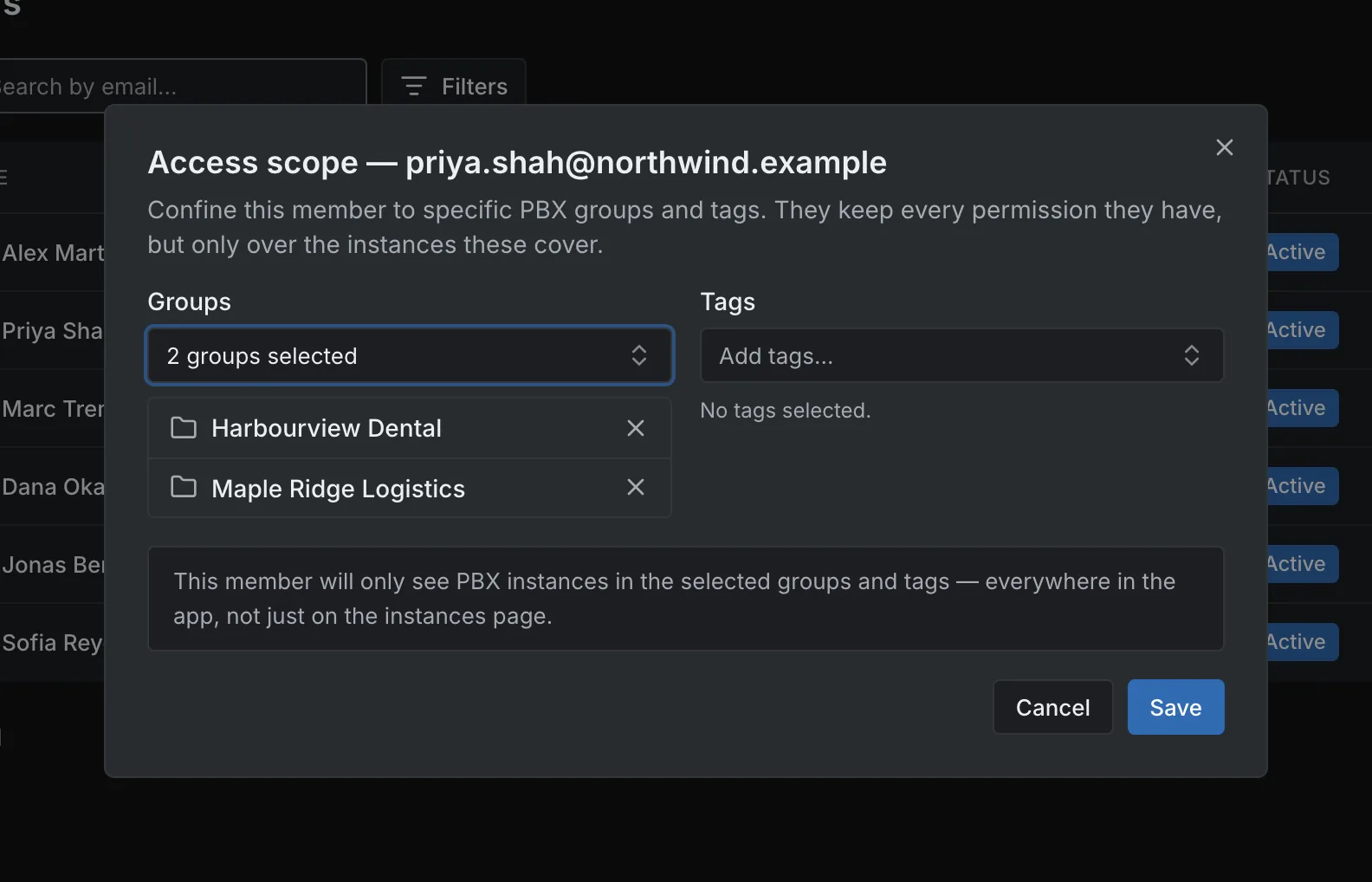
Access scope for one technician: confined to two customer groups. Access scope for one technician: confined to two customer groups.
Access scope for one technician: confined to two customer groups.Open full imageOpen full image
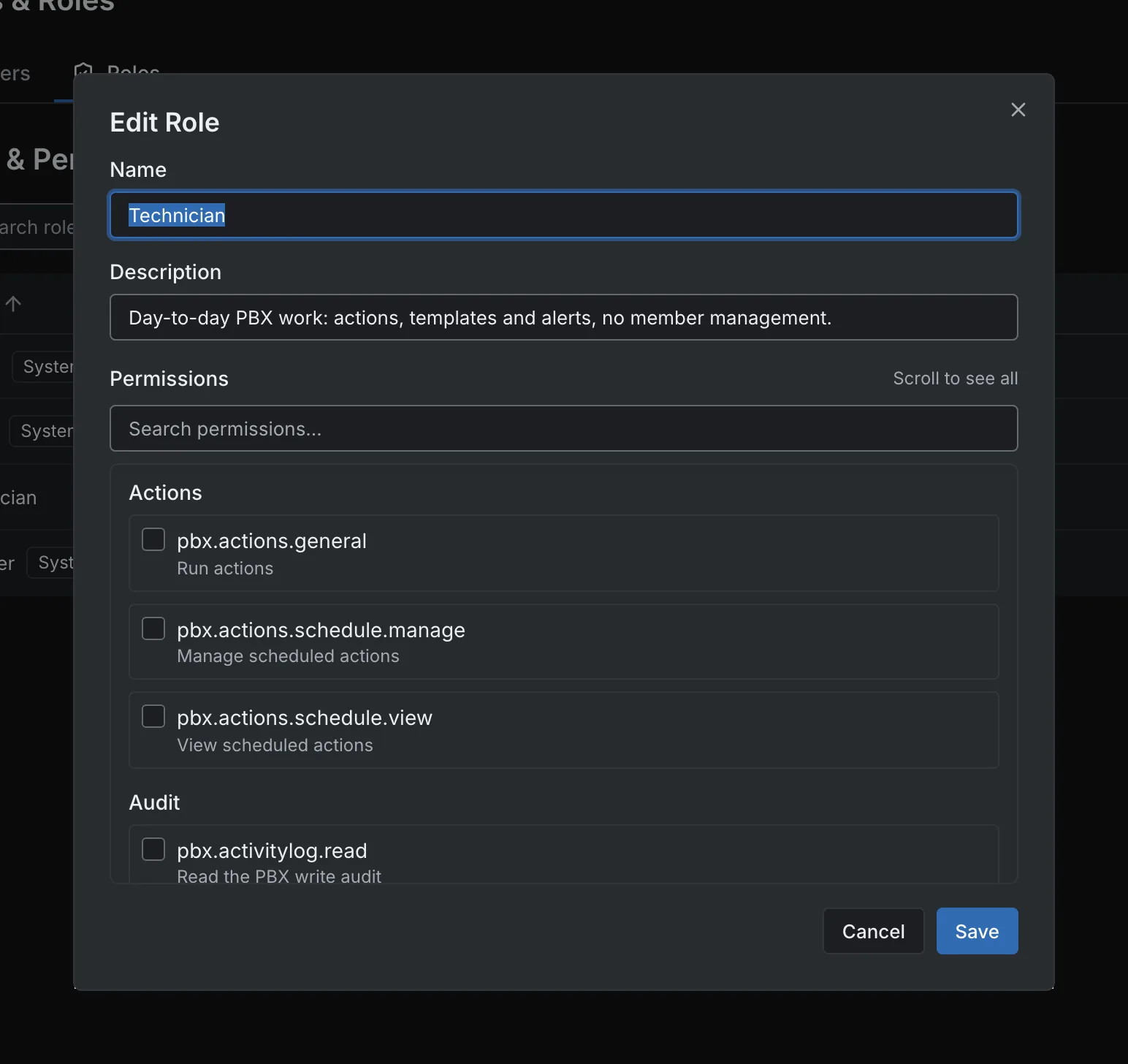
Editing the Technician role: permissions by group, separate from PBX scope. Editing the Technician role: permissions by group, separate from PBX scope.
Editing the Technician role: permissions by group, separate from PBX scope.Open full imageOpen full image

Evidence for the customer

Bring Evidence to the Customer Conversation

Review availability, incident response and fleet reports before discussing an outage, a maintenance task or a licence renewal. Export supported reports to CSV, and keep observation gaps visible when you read the figures.

  • Uptime against an availability objective, with a verdict per PBX
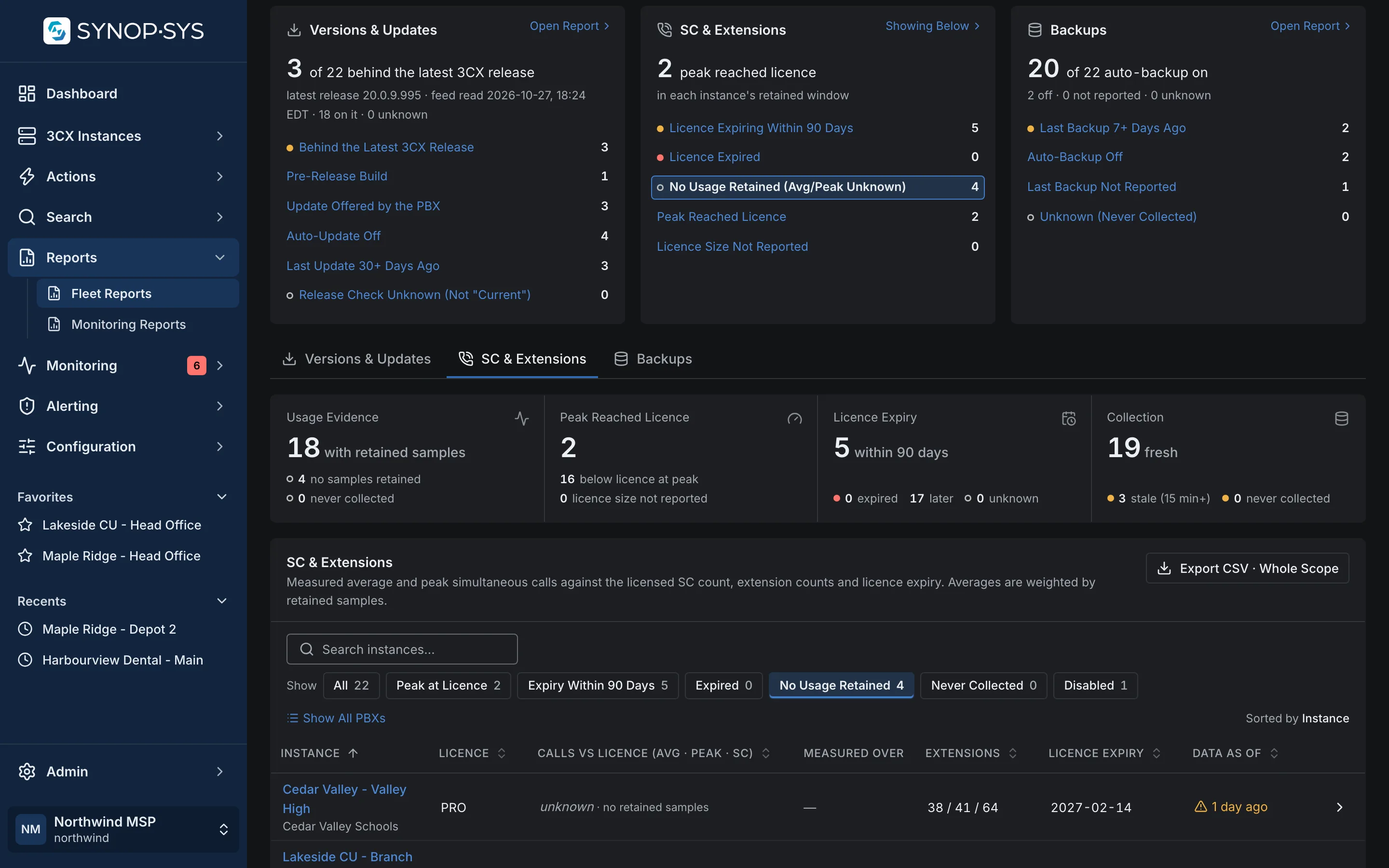
  • Capacity: average and peak simultaneous calls against the licence; unknown stays unknown
  • Versions, update settings and backup observations per instance

Explore search and reports

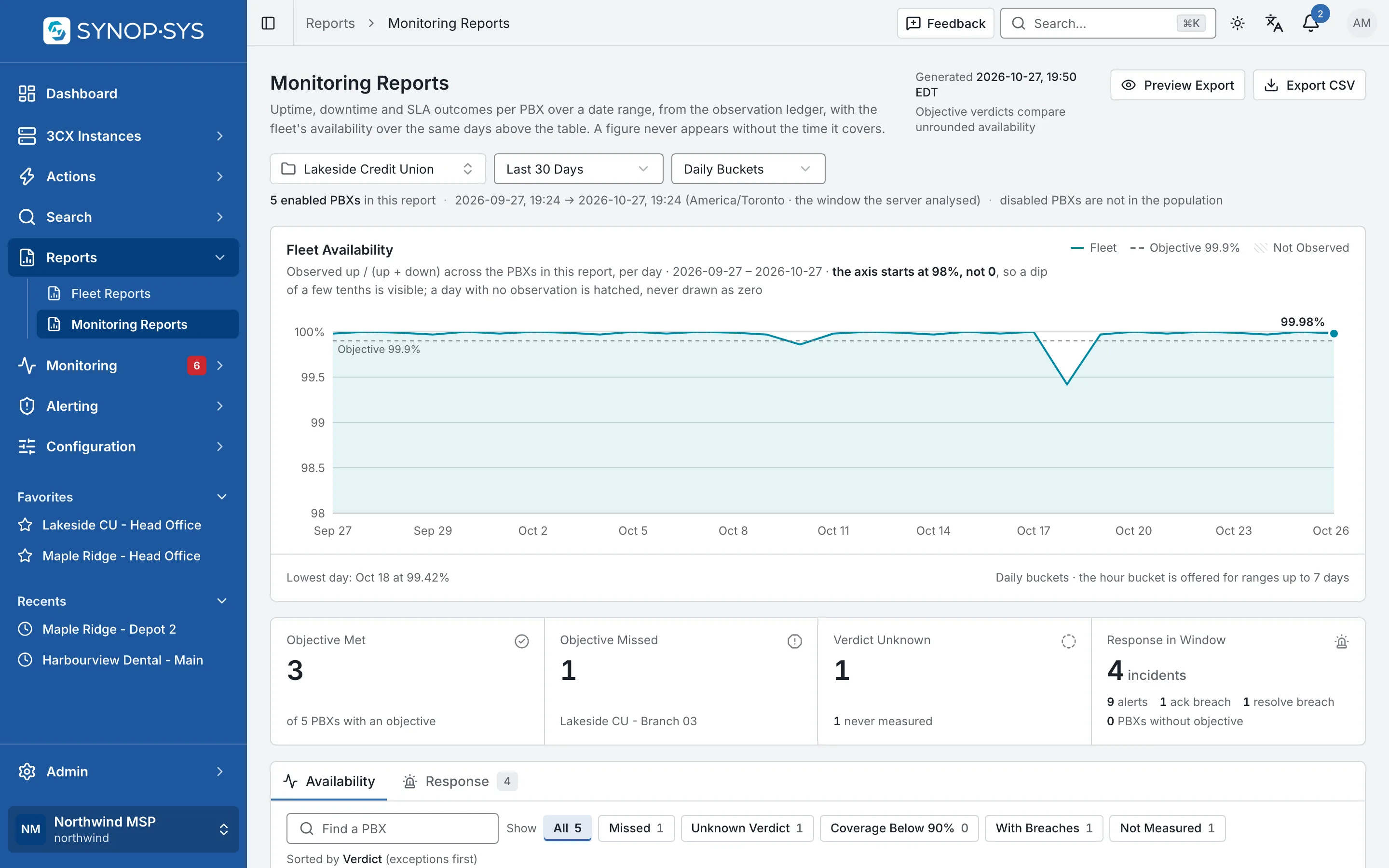
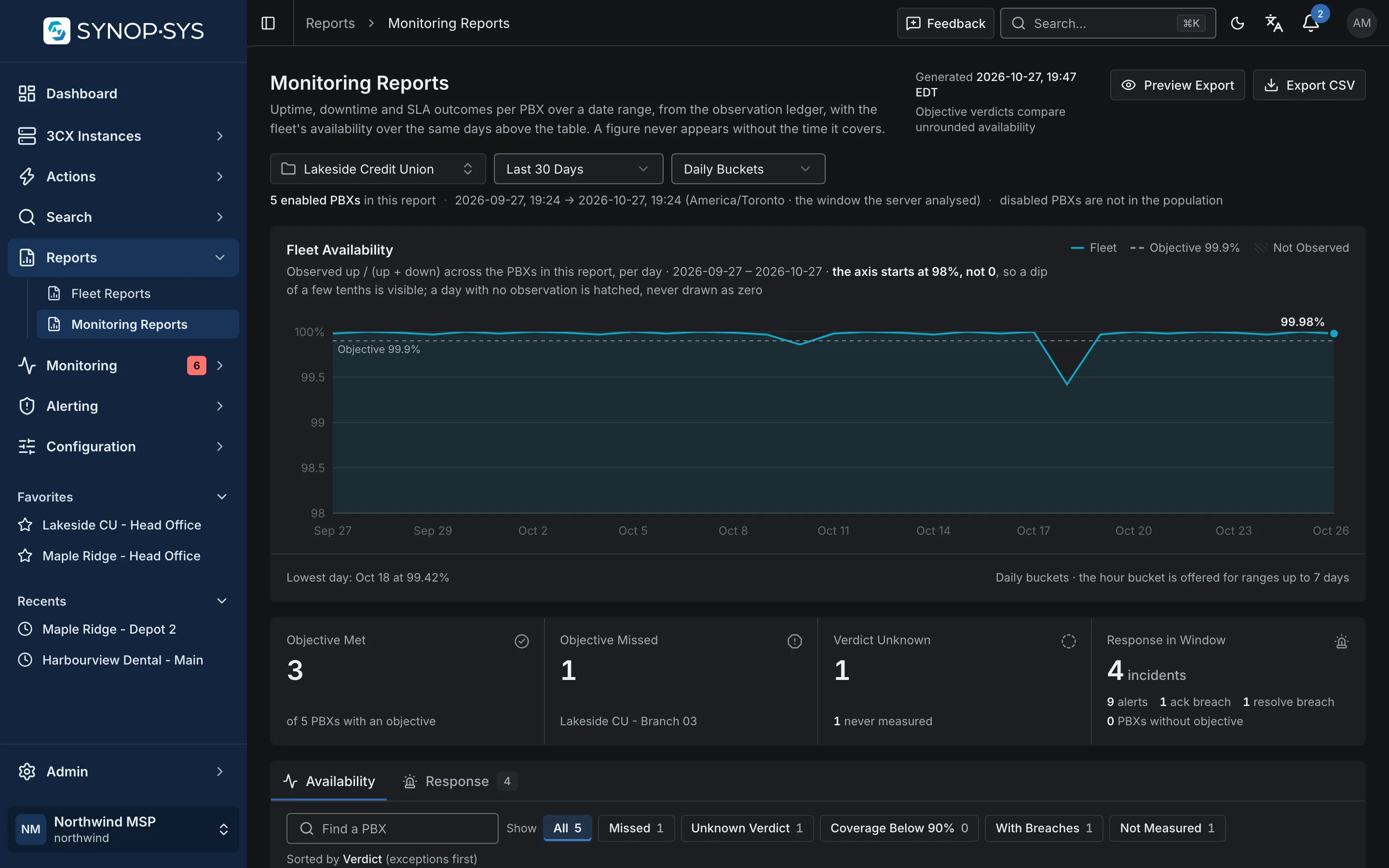
Monitoring Reports for one customer group: daily availability against the objective, then met, missed and an unknown verdict where nothing was measured. Monitoring Reports for one customer group: daily availability against the objective, then met, missed and an unknown verdict where nothing was measured.
Monitoring Reports for one customer group: daily availability against the objective, then met, missed and an unknown verdict where nothing was measured.Open full imageOpen full image
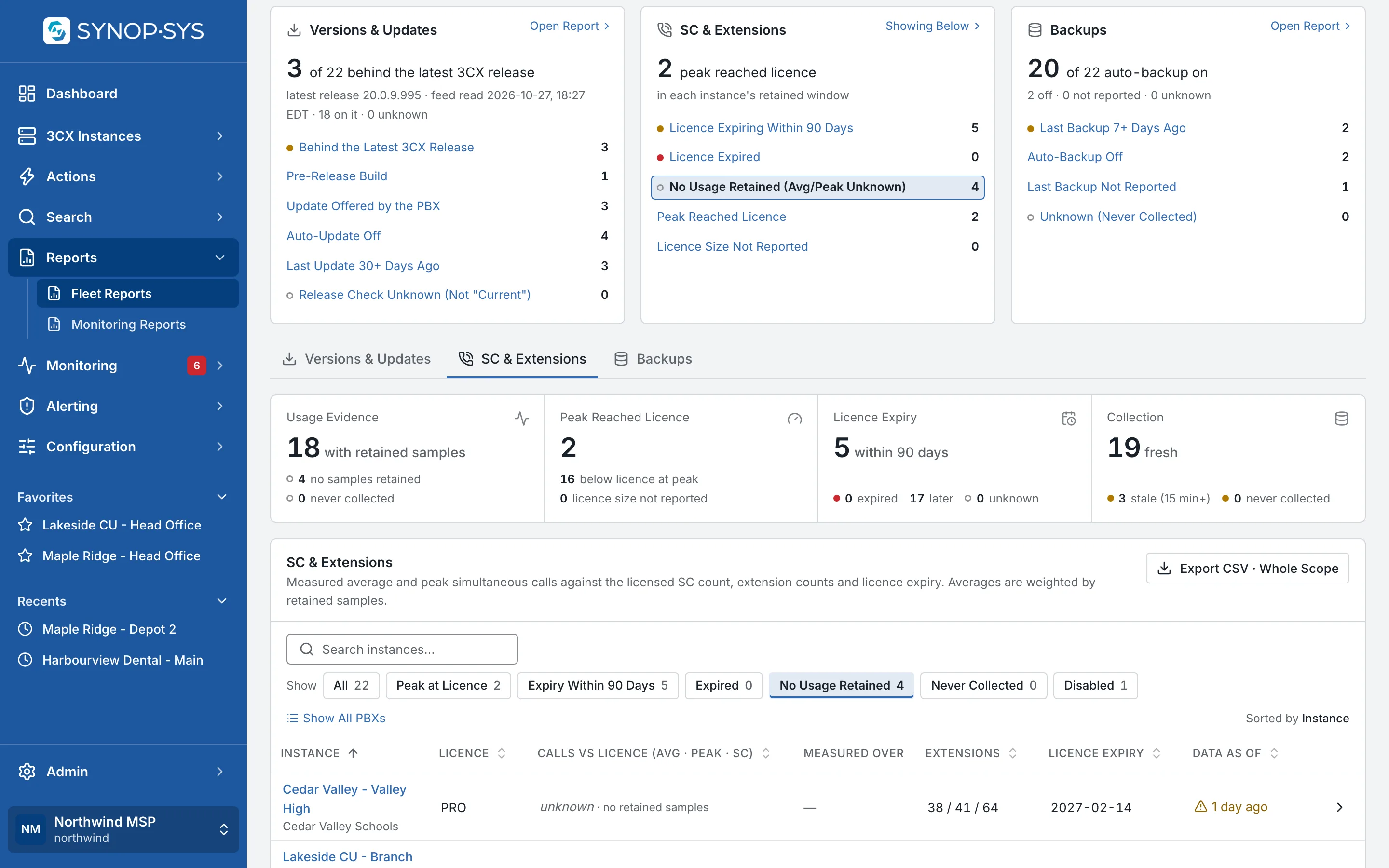
Fleet Reports with one finding opened: the PBXs whose call usage reads unknown, not zero, because no samples were retained. Fleet Reports with one finding opened: the PBXs whose call usage reads unknown, not zero, because no samples were retained.
Fleet Reports with one finding opened: the PBXs whose call usage reads unknown, not zero, because no samples were retained.Open full imageOpen full image

Branding

Put Your Identity on the Workspace

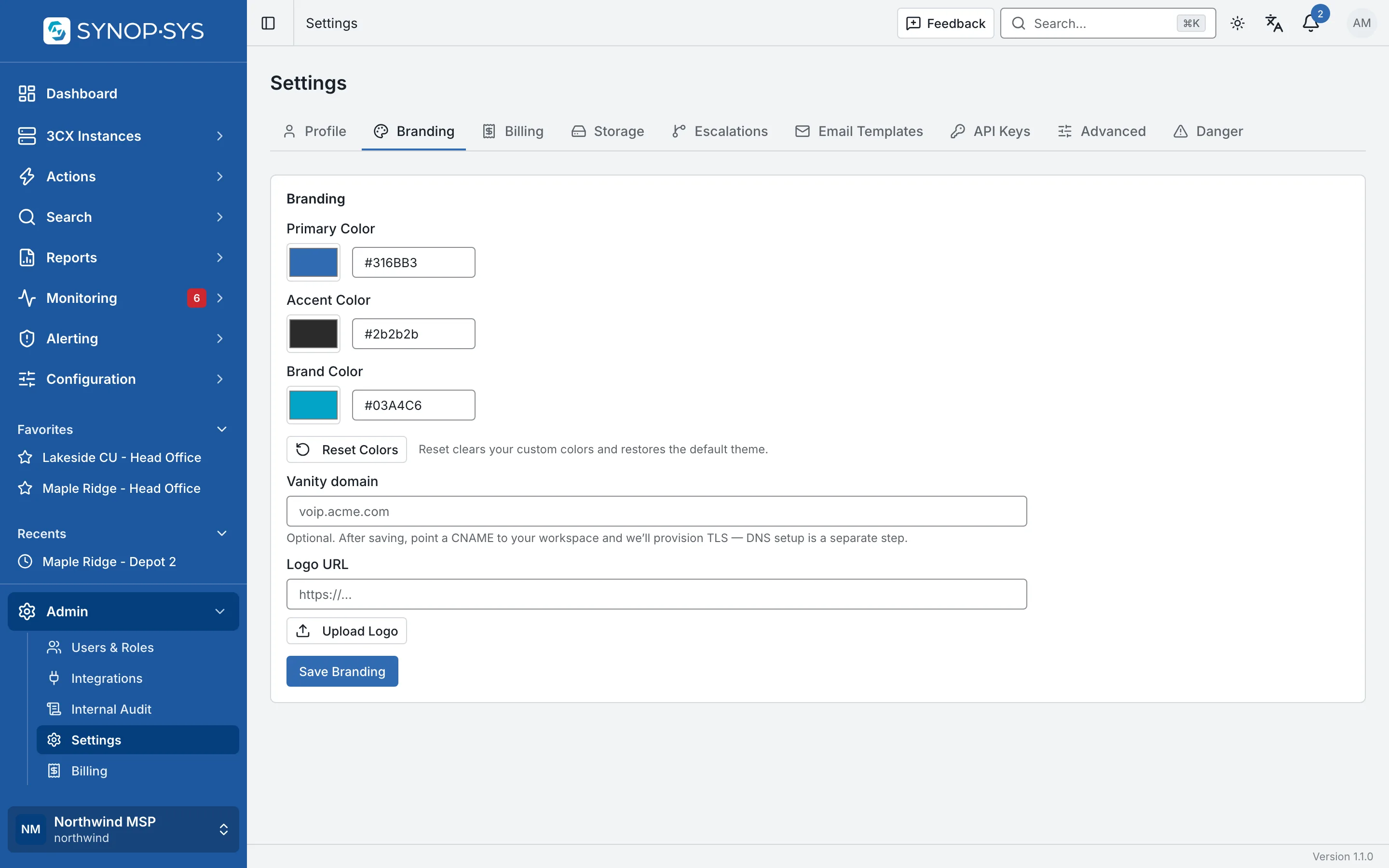
Apply your logo and colours when your plan includes the Branding module. Tenant-branded invitations, password resets and alert emails can carry the workspace identity too.

  • Logo, primary and accent colours applied to the shell
  • Branded transactional emails where supported
  • Each customer group lives inside your workspace; a separate workspace is a separate database and bucket

Compare plan modules

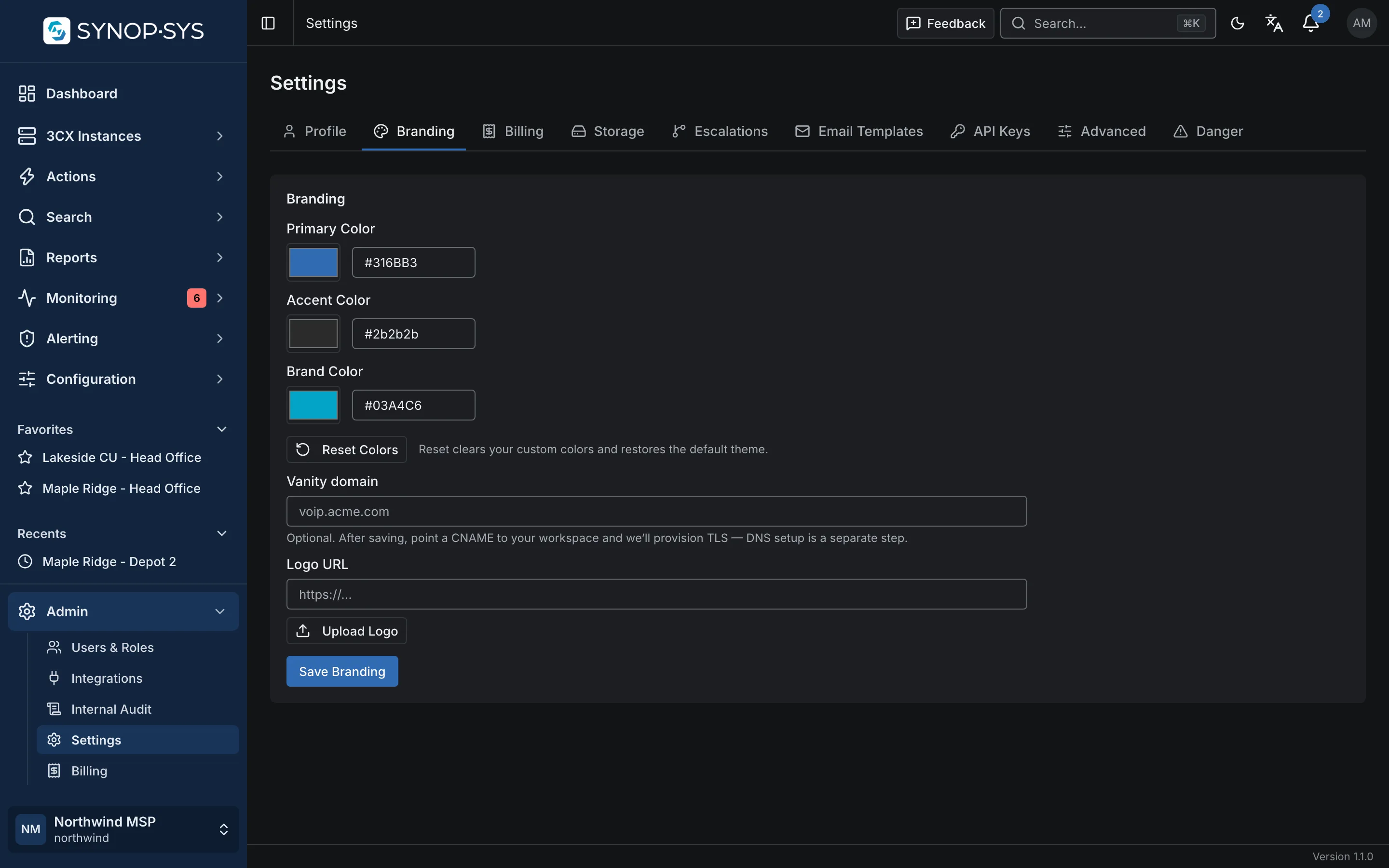
Workspace branding settings: logo, primary and accent colours. Workspace branding settings: logo, primary and accent colours.
Workspace branding settings: logo, primary and accent colours.Open full imageOpen full image

What an MSP Gets on Day One

Customer groups and tags

Organise the fleet the way you bill it; groups nest, tags cut across.

Scoped technicians

Confine a member to the customers they look after, with the permissions their role needs.

Scheduled maintenance

Backups, exports and reboots on a recurrence, in the customer’s time zone, with maintenance-window rules.

PSA and paging

Tickets in ConnectWise, Autotask or HaloPSA; alerts to email, SMS, PagerDuty, Slack or Microsoft Teams.

Tell Us About Your Customer Fleet

How many 3CX systems, who needs access and which work you want to stop doing one PBX at a time.