Security and access

Give People the Access Their Work Requires

Combine workspace membership, roles and PBX scopes to control access. Use Microsoft Entra ID and the supported multi-factor methods to manage how people sign in.

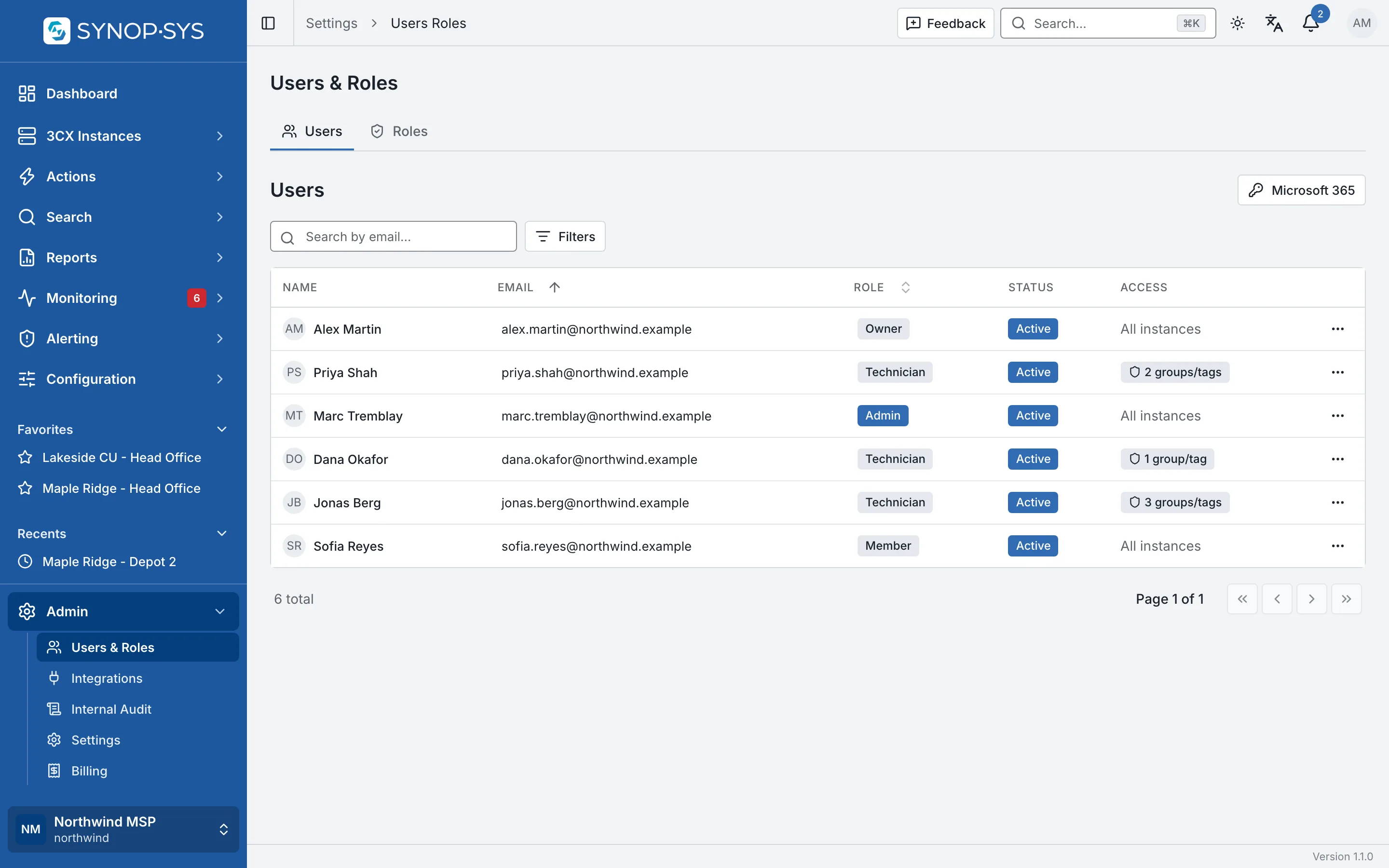
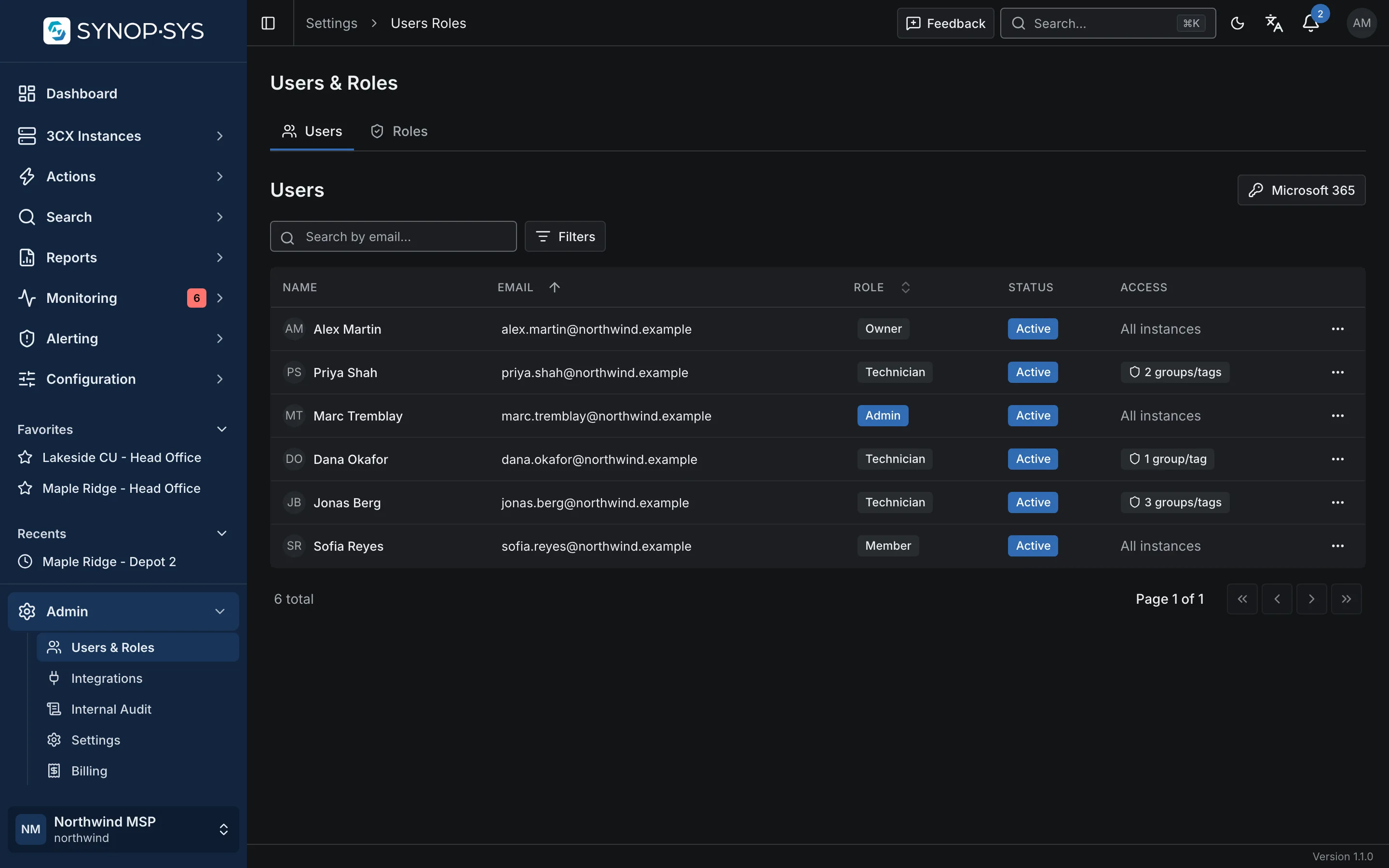
Workspace members with their role and access: some reach every instance, technicians are confined to groups and tags. Workspace members with their role and access: some reach every instance, technicians are confined to groups and tags.
Workspace members with their role and access: some reach every instance, technicians are confined to groups and tags.Open full imageOpen full image

Keep workspaces separate

Each workspace has its own database, storage bucket and subdomain, provisioned when it is created. Within a workspace, groups and tags organise the fleet.

Credentials stay out of routine screens

PBX connection credentials are encrypted for storage. Sensitive values in audit records are redacted before they are stored.

Sign-in you already run

Microsoft Entra ID single sign-on with SCIM user provisioning, plus passkeys, authenticator codes, email and SMS codes and backup codes for verification.

Roles and scopes

Separate What Someone Can Do From Where They Can Do It

Roles grant permissions for operations; group and tag scopes limit the PBXs a person can access. Configure both when a technician should work with only part of the fleet.

  • Roles: Owner, Admin and Member by default, plus your own
  • Access scope applies everywhere in the app, not only on the instances page
  • A member with no scope is unrestricted; an admin who is confined cannot grant unrestricted access
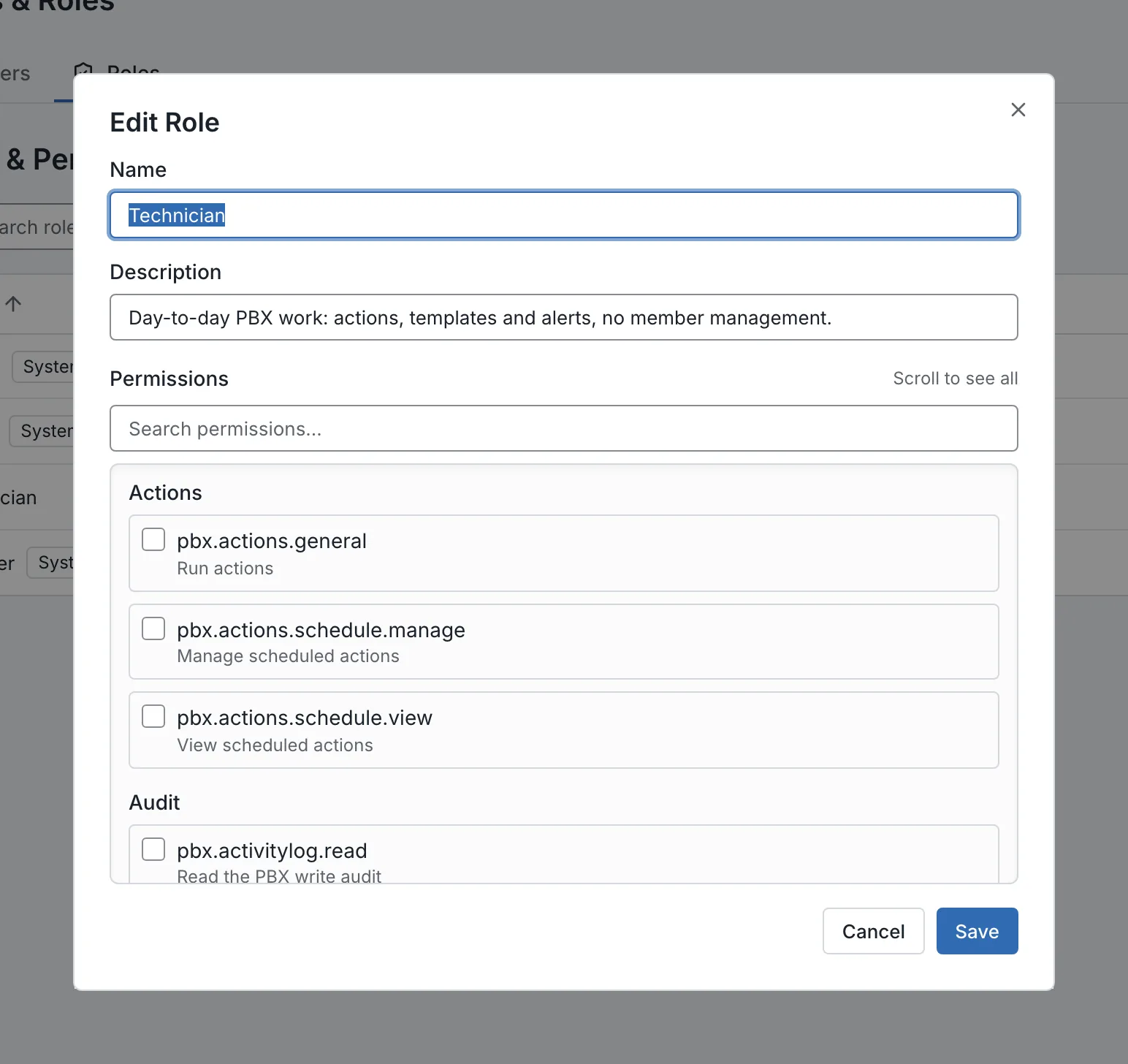
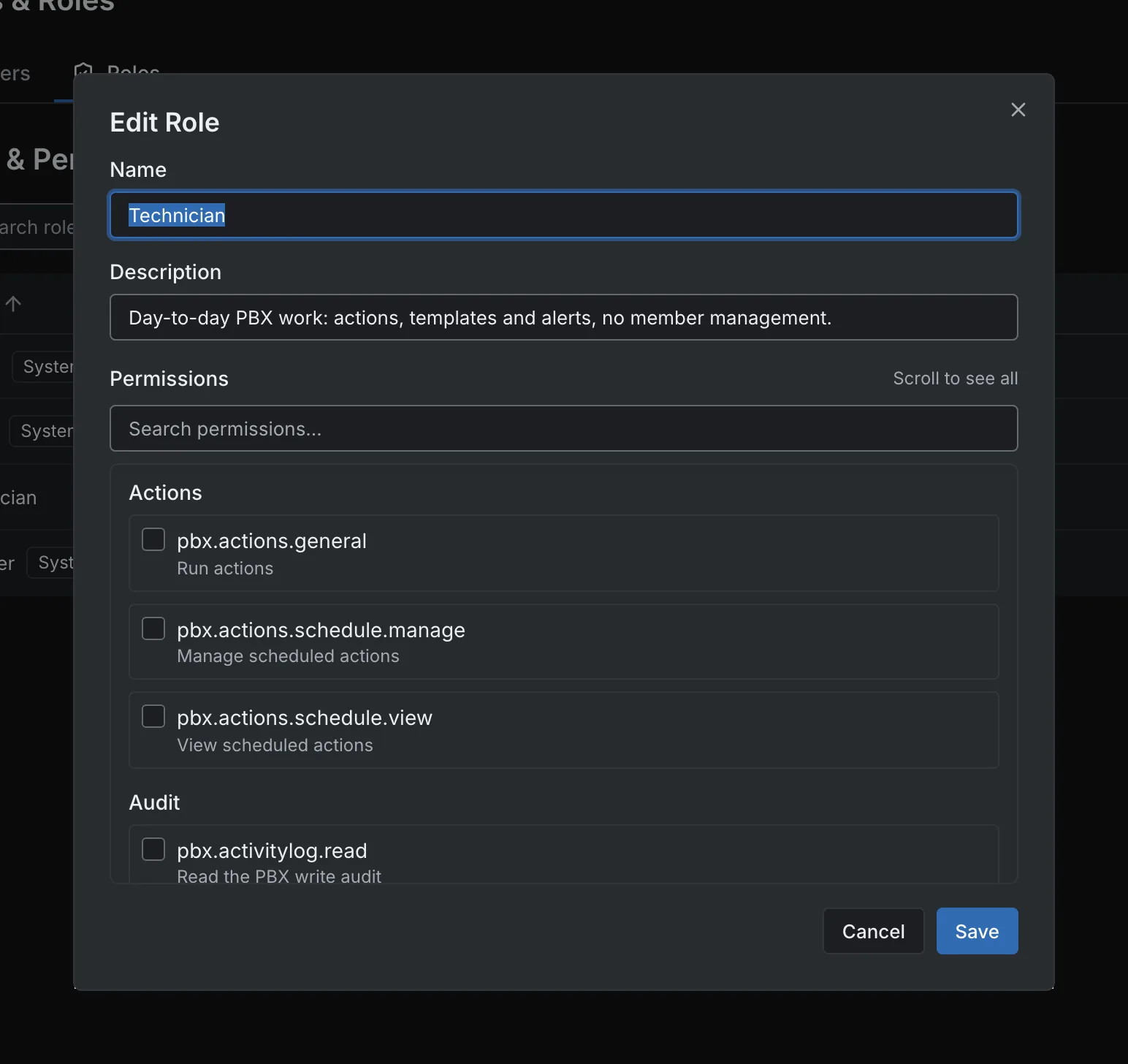
The Technician role: permission groups, separate from PBX scope. The Technician role: permission groups, separate from PBX scope.
The Technician role: permission groups, separate from PBX scope.Open full imageOpen full image
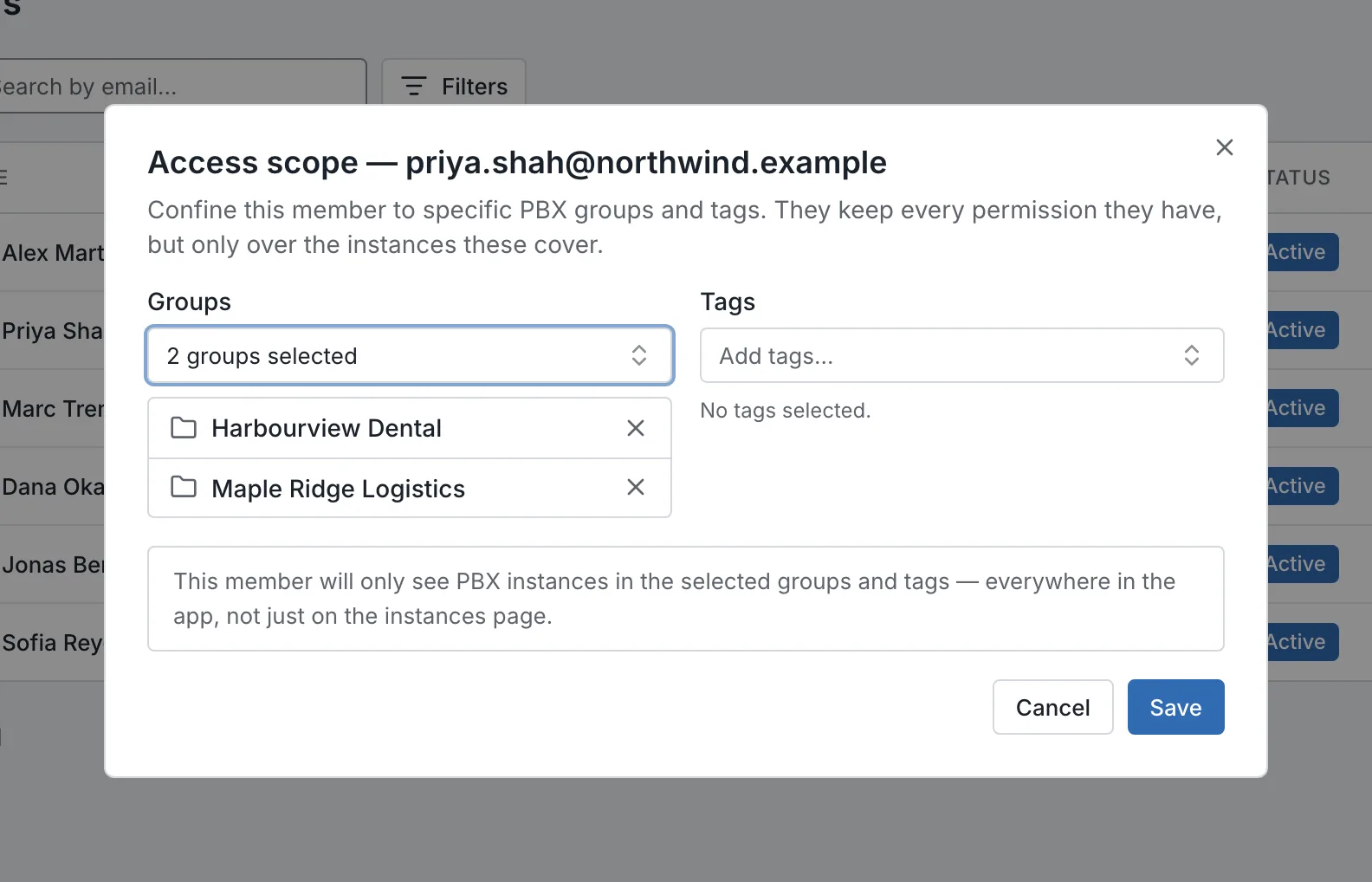
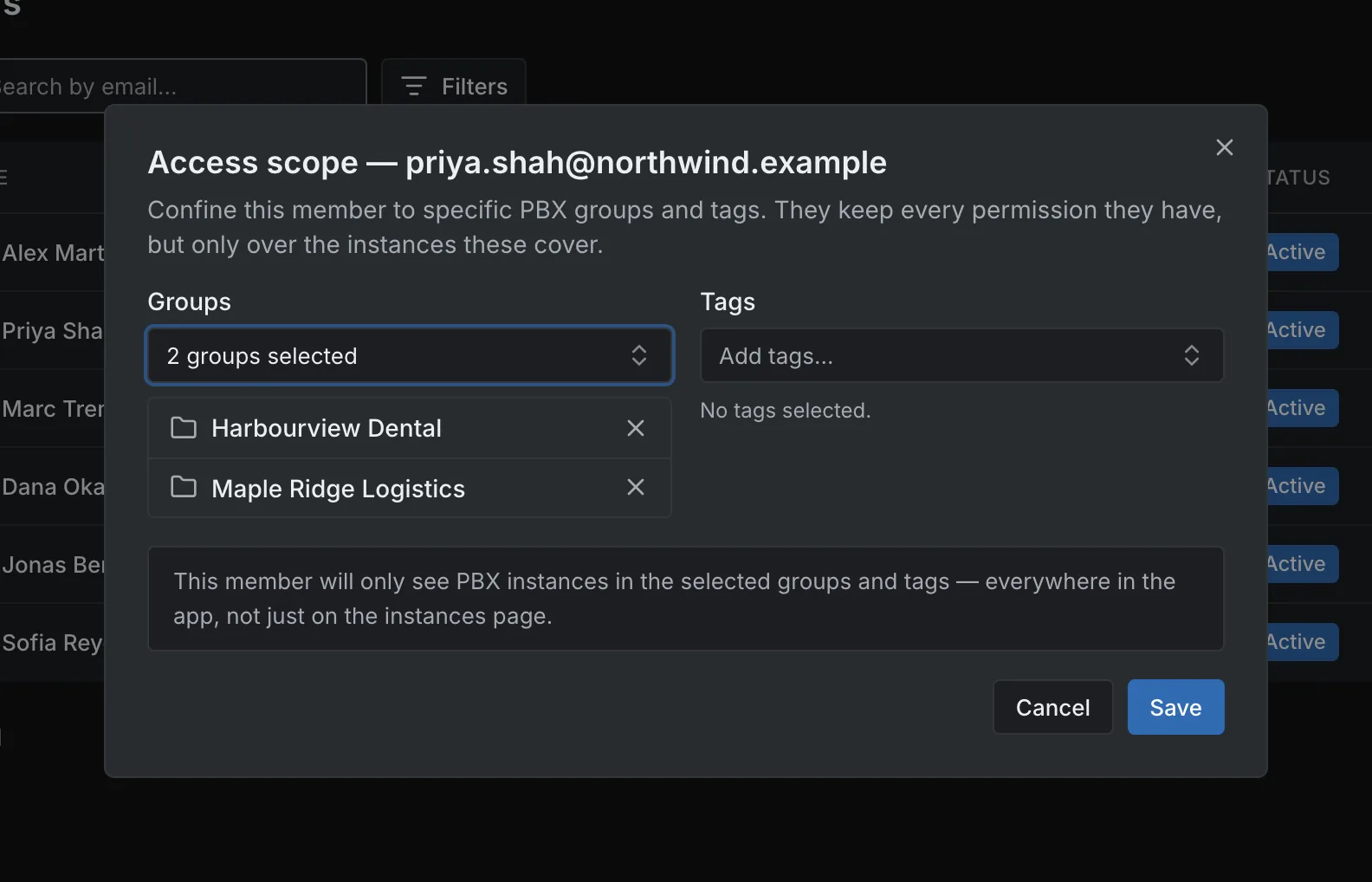
Access scope for one member: two groups, no tags. Access scope for one member: two groups, no tags.
Access scope for one member: two groups, no tags.Open full imageOpen full image

Identity

Connect Sign-In and User Provisioning

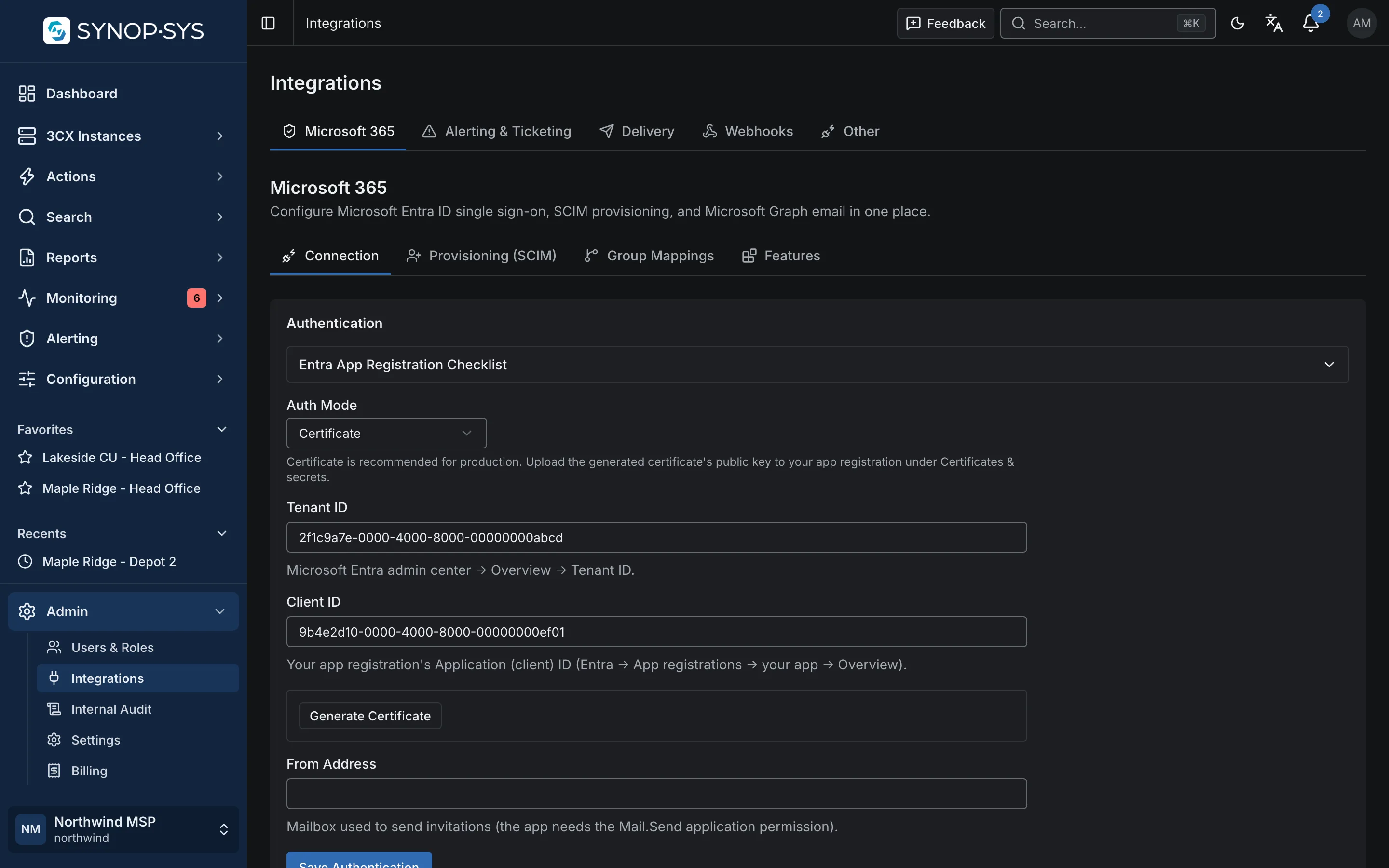
Configure Microsoft Entra ID single sign-on and SCIM user provisioning from the Microsoft 365 integration. Workspace sign-in also supports passkeys, authenticator codes and other enrolled verification methods.

  • Certificate or secret authentication to Microsoft Graph
  • SCIM endpoint and token per workspace
  • Group mappings for standing role grants, within the delegation ceiling
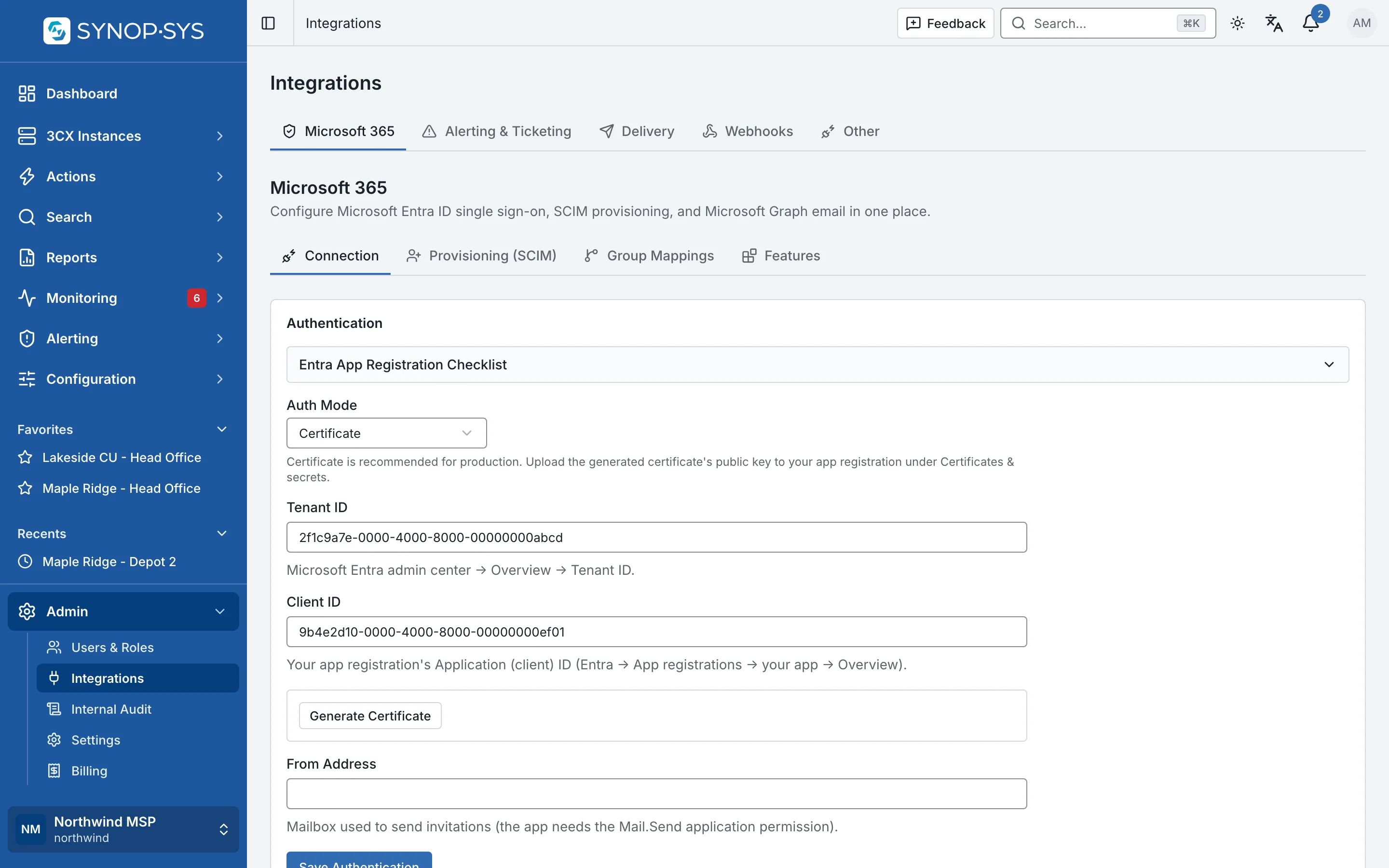
Microsoft 365 integration: connection, SCIM provisioning, group mappings and features. Microsoft 365 integration: connection, SCIM provisioning, group mappings and features.
Microsoft 365 integration: connection, SCIM provisioning, group mappings and features.Open full imageOpen full image

Audit

Trace PBX Writes Sent Through SYNOP•SYS

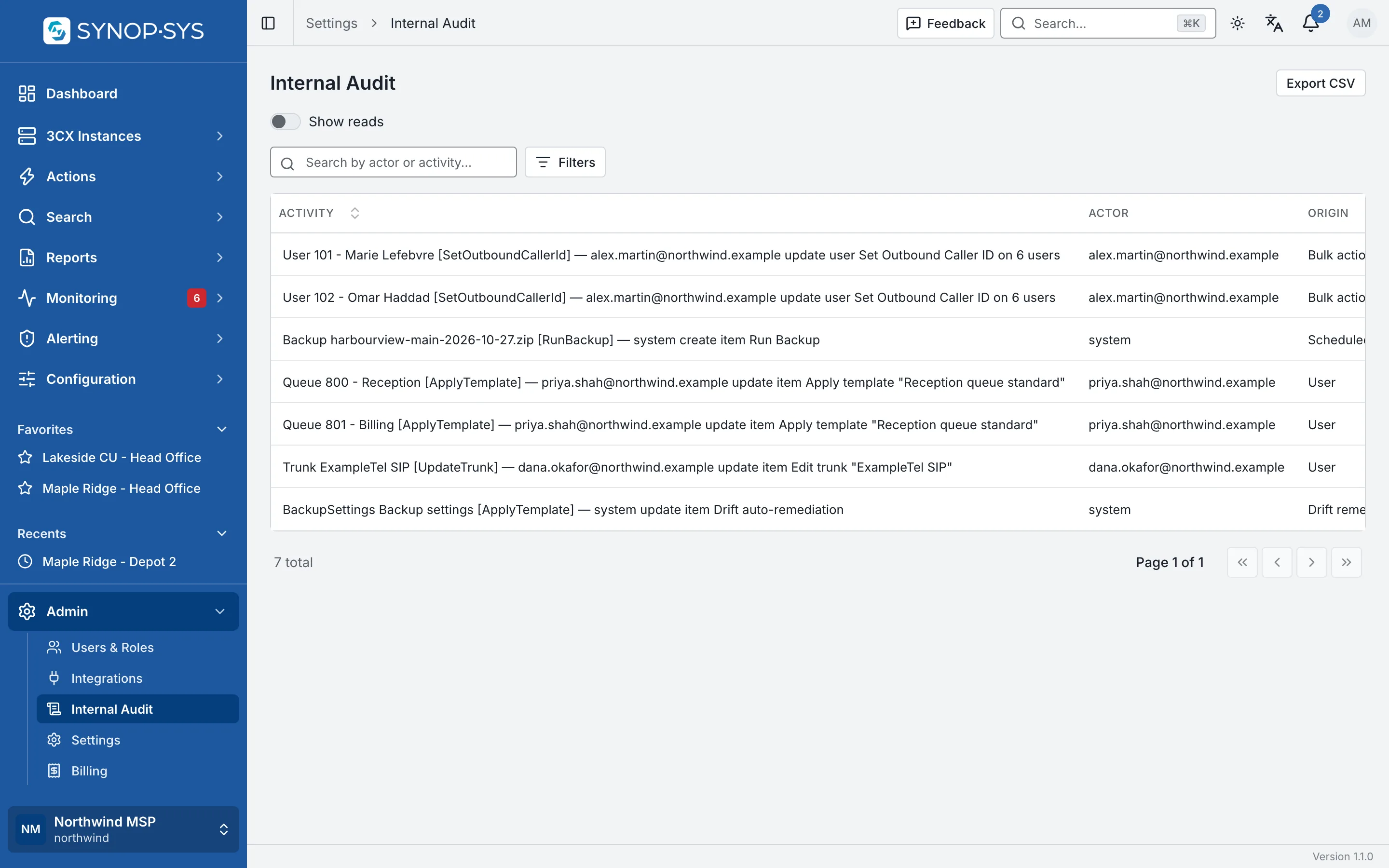
Every change made to a PBX through the platform is recorded in Internal Audit. The audit trail records outbound PBX write attempts and their results, including edits, actions, template applications and automated work. Inspect the origin and source context, with sensitive values redacted.

  • Origin: a person, an API key, a bulk action run, a scheduled action, monitoring automation or drift remediation
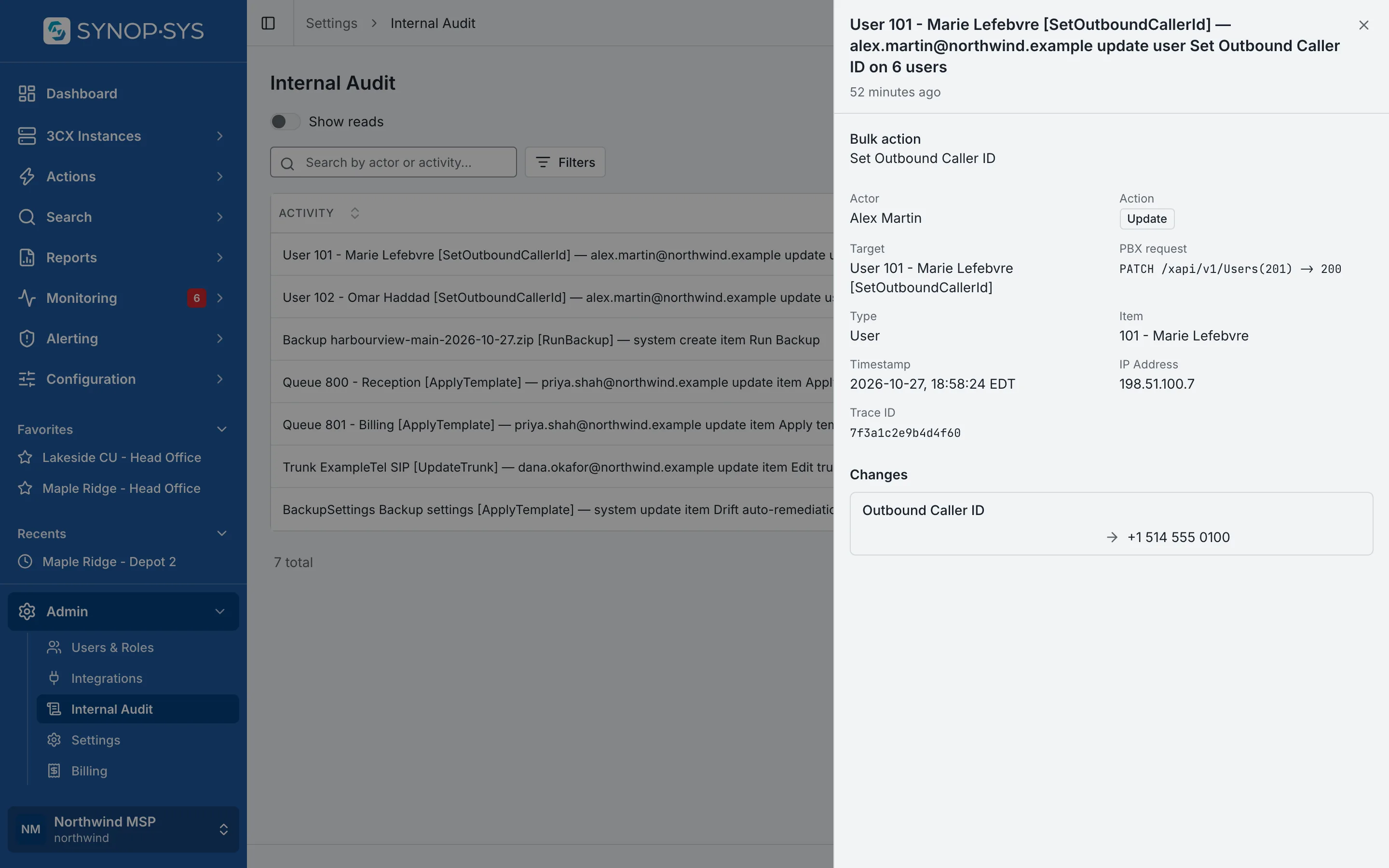
  • Target, logical operation, wire method, path and HTTP status
  • An entry records an attempt and its outcome; it is not proof the PBX kept the change
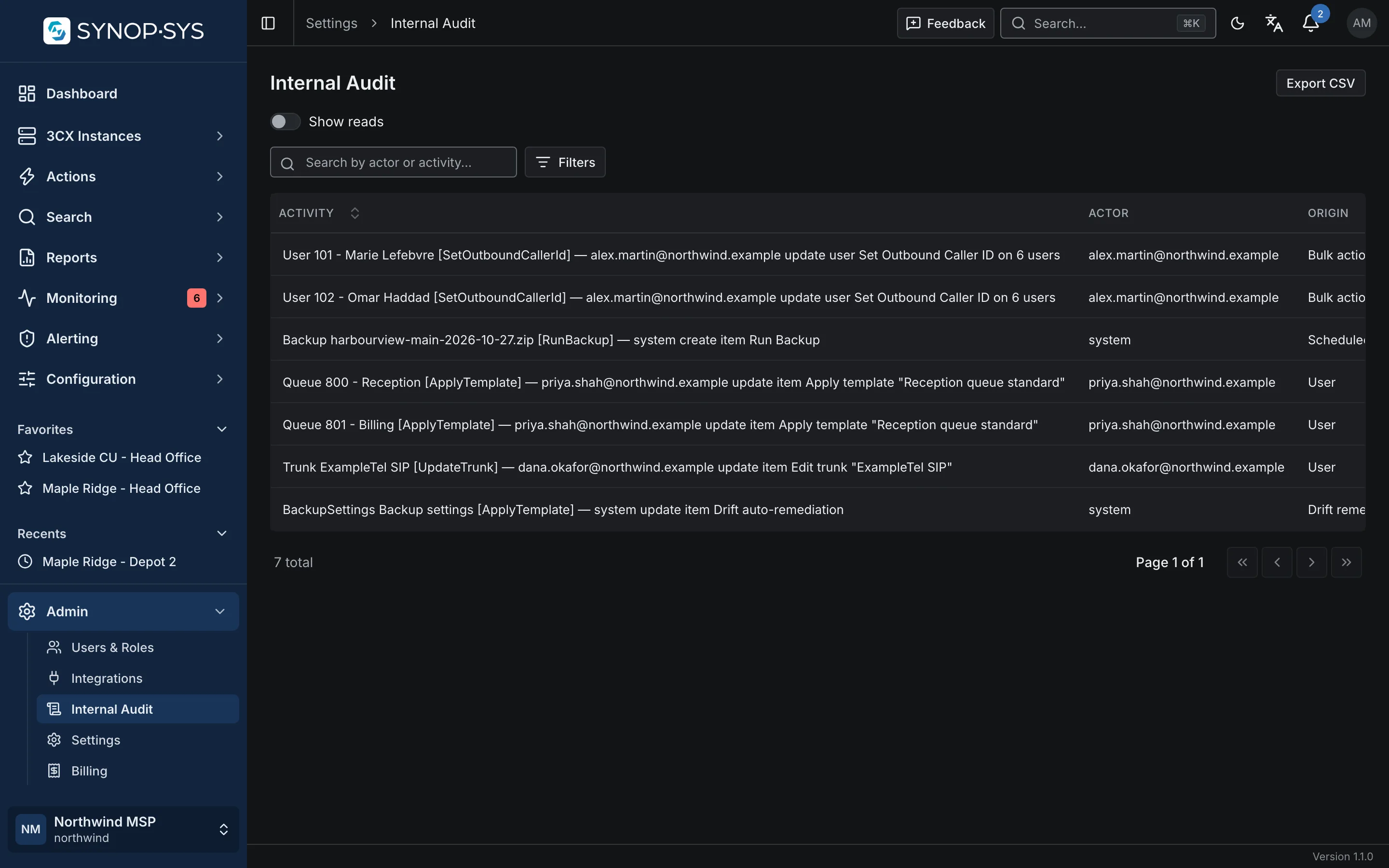
Internal Audit for the workspace: PBX writes with their actor and origin (a bulk action run, a scheduled action, people’s own edits and template applications, drift remediation). Internal Audit for the workspace: PBX writes with their actor and origin (a bulk action run, a scheduled action, people’s own edits and template applications, drift remediation).
Internal Audit for the workspace: PBX writes with their actor and origin (a bulk action run, a scheduled action, people’s own edits and template applications, drift remediation).Open full imageOpen full image
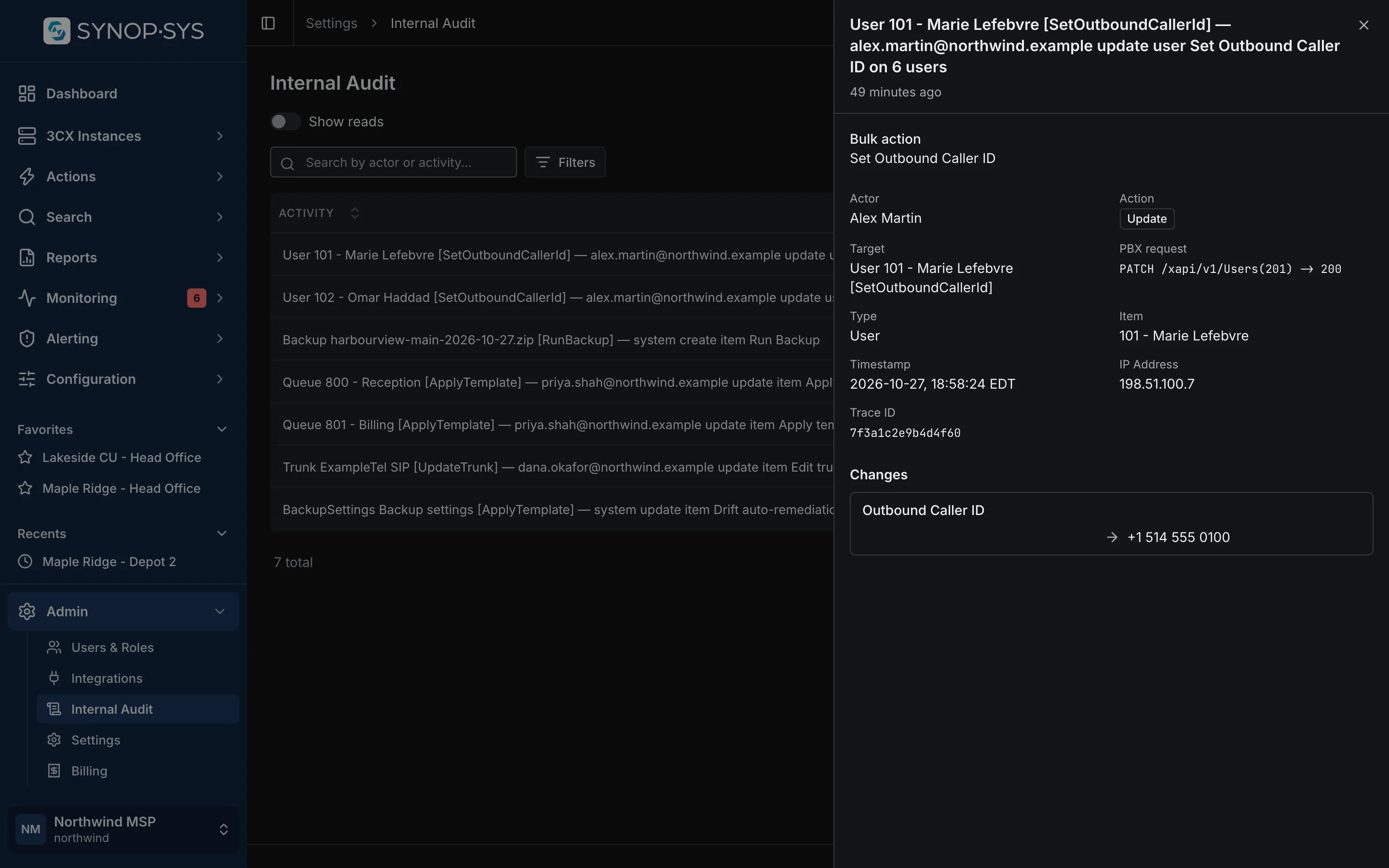
One entry opened: the target, the PBX request with its HTTP status, and the property that changed. One entry opened: the target, the PBX request with its HTTP status, and the property that changed.
One entry opened: the target, the PBX request with its HTTP status, and the property that changed.Open full imageOpen full image
Changes made directly in the 3CX console belong to 3CX’s own audit log, which SYNOP•SYS can read per instance. SYNOP•SYS makes no certification or compliance claim on this page.

Discuss Your Workspace Structure

One workspace per organisation, or several: tell us how your team and customers are organised.